Why Hoteliers Can’t Ignore Bing Places for Business
How optimising Bing Places feeds Microsoft Copilot and Bing Maps to capture high-value corporate desktop travel and conversational AI bookings.
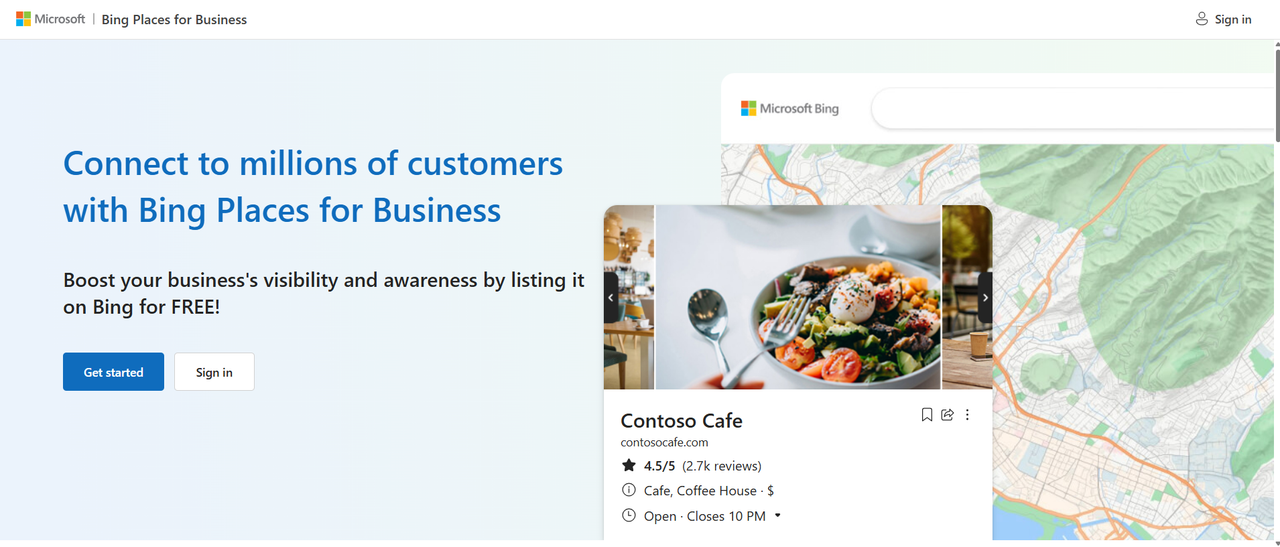
When hoteliers discuss local search optimisation, Google Business Profile usually dominates the conversation. It is easy to see why, given Google's market share. However, focussing exclusively on Google creates a massive blind spot in your digital strategy, especially as conversational AI transforms how travellers research and book accommodation. If your property is missing or unverified on Bing Places for Business, your hotel is completely invisible to millions of travellers who rely on Microsoft Copilot for travel planning. Copilot does not pull its local entity data from Google. It relies directly on the Bing search engine index and Bing Places profile data. By ignoring Bing, you are effectively handing corporate travellers and desktop bookers directly to your competitors.
1. Powers Microsoft Copilot
When a user asks Copilot "Find me a boutique hotel in Auckland with EV charging and a quiet courtyard," Copilot scans Bing's entity database. If your attributes are not set up on Bing Places, Copilot assumes you do not offer them and skips your property.
2. Dominates Corporate Desktop Travel
Microsoft Edge and Bing hold a significant share of desktop devices across corporate offices worldwide. Business travellers, corporate travel managers, and executive assistants frequently use default Microsoft tools to plan business trips.
3. High-Intent Traveller Audience
Bing users often represent an older, higher-income demographic with strong purchasing power, making them high-value direct booking targets for independent hotels.
How to Set Up Bing Places for Business in 5 Minutes (Google Sync Method)
The best part about Bing Places is that you do not need to build your listing from scratch. You can import and continuously mirror your existing Google Business Profile in a few simple steps. 🔧 Step-by-Step Setup Instructions: 1. **Go to Bing Places**: Visit [www.bing.com/forbusiness](https://www.bing.com/forbusiness) and click Get Started. 2. **Select Google Import**: Choose Import from Google Business Profile. 3. **Authenticate Account**: Sign in using the Google Account that manages your verified Google Business Profile. 4. **Select Your Property**: Grant Bing permission to read your location data and select your hotel listing from the import list. 5. **Enable Automatic Syncing**: Tick the box for Sync regularly with Google Business Profile. This ensures that any future photo uploads, hour updates, or new amenity tags added on Google automatically transfer to Bing. 6. **Review Attributes**: Double-check that your primary category (Boutique Hotel, Motel, etc.), address, website URL, and amenities imported accurately, then click Publish.
Frequently Asked Questions
Is Bing Places for Business free for hotels?
Yes, Bing Places for Business is a 100% free local listing tool provided by Microsoft to help businesses manage their presence on Bing Maps and Copilot.
Does Microsoft Copilot use Google Business Profile data?
No, Microsoft Copilot relies on Microsoft’s native ecosystem, pulling local property facts, rates, and amenities directly from Bing search indexation and Bing Places listings.
How often does Bing Places for Business sync with Google Business Profile?
When auto-sync is enabled, Bing Places checks and updates your business details on a weekly or monthly schedule depending on your chosen account settings.