The Hotelier’s Google Business Profile Checklist for AI Visibility
How to optimize Google Business Profile categories, binary attributes, visual tags, and natural language descriptions for AI search recommendations.
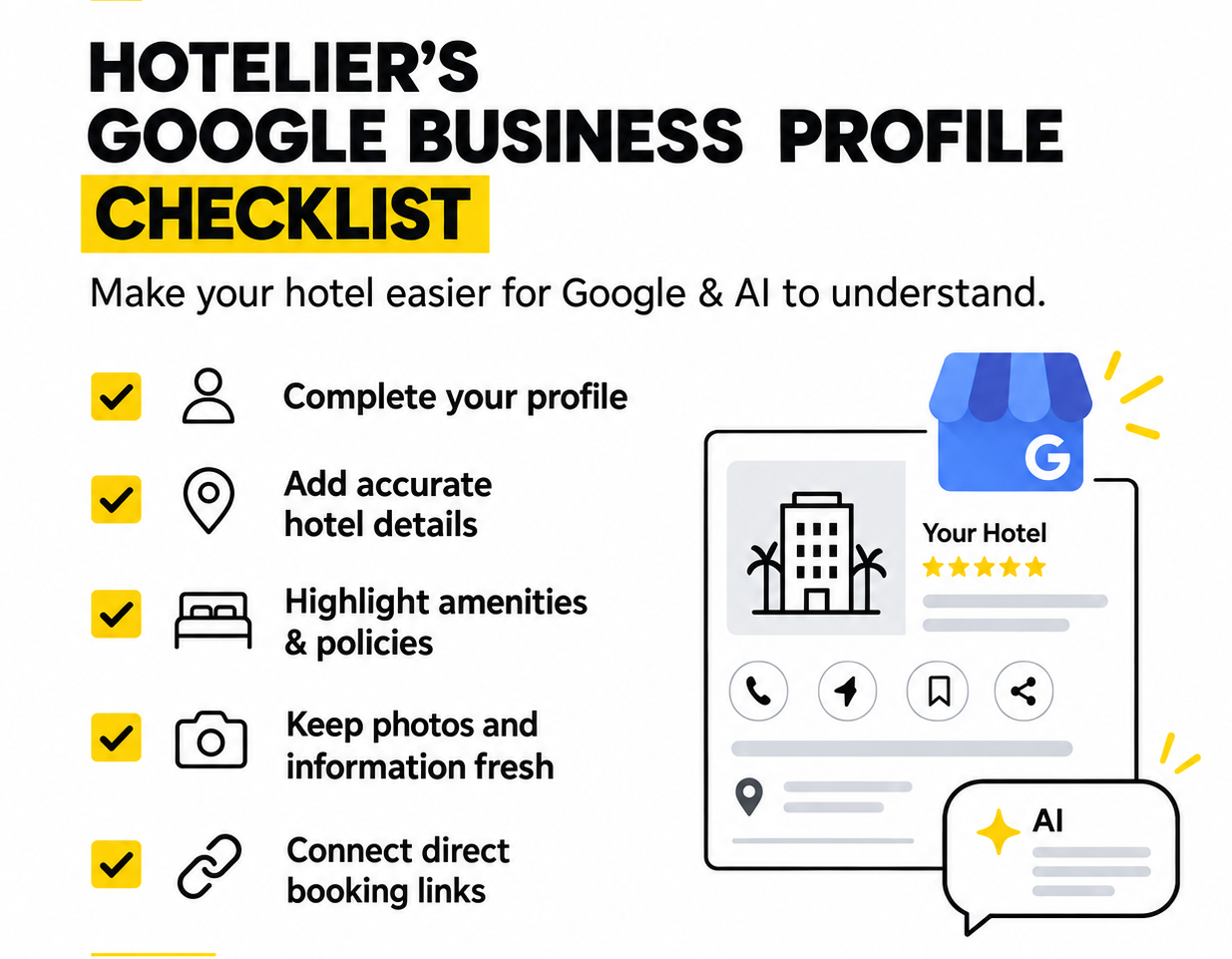
When travellers ask tools like ChatGPT or Google Gemini to plan a trip, they rarely type generic keywords like "hotels in Auckland." Instead, they ask complex, intent-driven questions like "Recommend a quiet boutique hotel near the waterfront that allows dogs and offers EV charging." If your hotel’s Google Business Profile (GBP) relies on sparse descriptions or incomplete details, AI search engines will bypass your property. They cannot guess your amenities. This guide provides a 6-step checklist with step-by-step dashboard actions to ensure AI assistants understand, trust, and recommend your hotel directly to potential guests.
1. Set Primary and Secondary Categories
Precision matters. Setting a broad primary category like "Hotel" dilutes your authority. • Primary Category: Choose the most accurate description of your property type (e.g., Boutique Hotel, Motel, Bed & Breakfast, or Extended Stay Hotel). • Secondary Categories: Add relevant entities for on-site amenities, such as Restaurant, Event Venue, or Spa. How to Fix This in GBP: Go to your Google Business Profile dashboard -> Click Edit profile -> Select Business category. Set your primary category first, then click Add another category to add your secondary amenity entities. Click Save.
2. Perform a Comprehensive Attribute Audit
Attributes are the binary "tags" AI engines filter by. If an attribute is left unselected, an AI engine assumes you do not offer it. • Pet Policy: Tag Dogs allowed, Pet-friendly, Fees apply, or Assistance animals only. • Parking & Transit: Select Free parking, EV charging station available, Valet parking, or On-site parking. • Food & Dining: Detail Free breakfast, Locally sourced options, Room service, or Vegetarian options. • Work & Leisure: Check Free Wi-Fi, Dedicated workspace, Swimming pool, or Fitness centre. • Accessibility: Confirm Wheelchair-accessible entrance, Accessible rooms, and Roll-in showers. How to Fix This in GBP: Click Edit profile -> Select More (or About). Scroll through each sub-tab (Amenities, Pets, Parking, Accessibility, Dining) and toggle every single applicable binary attribute to Yes. Click Save on each section.
3. Upload High-Quality Tagged Visual Assets
AI models analyze visual data to confirm what your property actually looks like. • Upload high-resolution photos of room categories, exterior architecture, common lounges, and dining areas. • Tag photos clearly by category (Rooms, Food & Drink, Exterior, Atmosphere). • Add a short video walkthrough of the property if available to boost engagement. How to Fix This in GBP: Click Add photo from the main dashboard menu. Upload images directly under specific tabs (Logo, Cover photo, Interior, Exterior, or Food & drink) rather than dumping them all into generic photos.
4. Detail Room Types and In-Room Features
Do not limit room details to your booking engine. • List distinct room types clearly (e.g., King Suite with Balcony, Family Studio). • Highlight specific features AI assistants search for, such as kitchenettes, sea views, espresso machines, or quiet courtyard access. How to Fix This in GBP: Click Edit profile -> Select Hotel details -> Navigate to Rooms. Add each room class along with its specific sub-amenities (balcony, view, bedding, kitchenette) so Google indexes them at the room level.
5. Write a Natural Language Business Description
Avoid keyword-stuffing. Write a narrative-style summary highlighting your local neighbourhood, unique history, and property vibe. Include landmark references (e.g., "Located a 5-minute walk from the waterfront and central hiking trails") so AI tools easily connect your location to surrounding attractions. How to Fix This in GBP: Click Edit profile -> Select About -> Click Description. Write up to 750 characters focusing on your neighborhood story, proximity to landmarks, and unique hospitality experience. Click Save.
6. Ensure 100% Operational Accuracy
Inconsistent business details create "AI Drift". Keep your 24/7 front desk status, check-in hours, phone numbers, website URL, and physical address 100% accurate across GBP and your website. How to Fix This in GBP: Click Edit profile -> Select Hours and Contact information. Ensure your Check-in/Check-out times are explicitly defined, your Website link goes to your direct booking domain, and your primary Phone number matches your official site footer.
Conclusion
Ensuring your Google Business Profile is completely filled with structured categories, explicit binary attributes, tagged visuals, and natural language descriptions prevents AI drift and empowers search assistants like ChatGPT, Gemini, and Google AI Overviews to recommend your hotel with total confidence.
Frequently Asked Questions
Why does Google Business Profile matter for AI search?
AI search engines like Google AI Overviews and Gemini pull live property facts, amenities, and location data directly from Google Business Profiles to answer conversational traveler queries.
What is the most important GBP feature for AI recommendations?
Selected attributes (such as EV charging, pet policies, and free Wi-Fi) are critical because AI tools use them as hard filters when matching user prompts to hotel options.
How often should a hotel update its Google Business Profile?
Update your profile immediately whenever seasonal operating hours, room amenities, dining options, or contact details change to prevent AI models from giving outdated information to guests.